
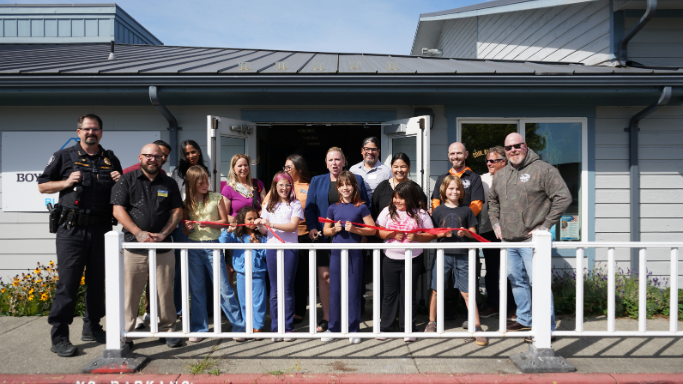
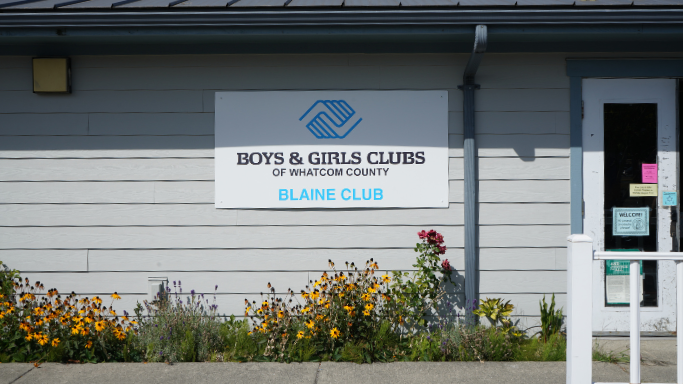
Blaine Clubhouse is located at 635 8th St, Blaine, WA. We serve youth from Kindergarten to 12th Grade each school year at our Blaine Club.
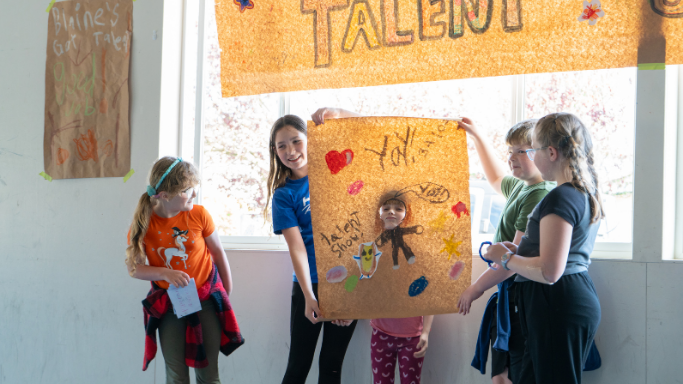
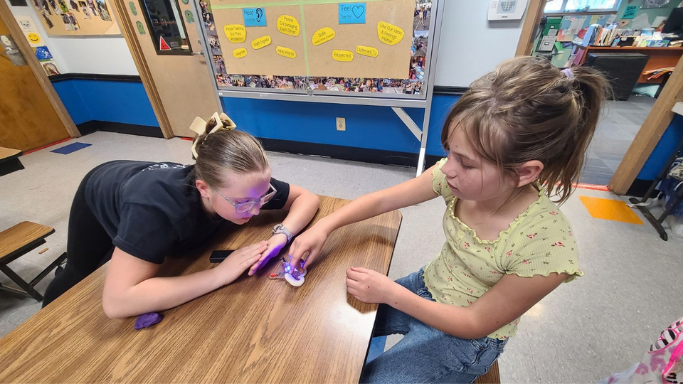
Our organized and well-structured program activities encourage healthy living, long-lasting relationships, and character building. The home-like feeling, sense of belonging, high-quality programming, caring mentors, and fun, safe environment make the Blaine Clubhouse the place to be for after-school programs!
Meals Served
- Healthy Snack
Grades Served
Kindergarten - 12th
Teen Program
Yes
Transportation Provided:
Our caring staff picks up kids from the Blaine Primary and Elementary Schools and walks them to our Clubhouse every day after school.
Middle and High School members may walk with our staff-lead lines or independently to the Clubhouse.
Contact Information
635 8th Street
Blaine, WA
(360) 332-3008
School Year Club Hours
Mon, Tue, Wed, Fri After School Program: 2:00 – 6:00 pm
Early Release After School Program: 12:30 pm - 5:00 pm
Club Director:
Aja Ruswick| aruswick@whatcomclubs.org
Membership & Pricing
Membership enrollment for the 2026/2027 academic year starts on August 3rd, 2026 at 9:00am.
Membership is $40 for the academic year. We can only accept private payments for membership. We are unable to accept DASH payments.
Membership renewals must be done online. Please visit https://parentportal.whatcomclubs.org/
If your child has Apple Health, membership may be FREE! Reach out to your Club Director before you register.
Cancellation Policy
Membership Fees are non-refundable and are not prorated for any reason. Summer Camp fees are non-refundable and are not prorated for any reason.
Club Amenities
- Teen Room
- Gym
- Power Hour Room
- Games Room with pool, bumper pool, foosball, puzzles, books and more
Core Program Areas
Our After School Program integrates innovative activities and curriculum spanning three core program areas designed to empower youth to excel in school, become good citizens and lead healthy, productive lives.

Looking for Break Week Camps?
How to Register
- Login or create your Parent Portal account here
- Click on ‘Enroll’ from the top menu, and select the site you want to enroll in
- If you do not see the Enroll button in the top menu, it typically means that you need to update your profile. Select the profile tab to complete any missing information.